MVMNT Firmware

MVMNT Firmware Collection#
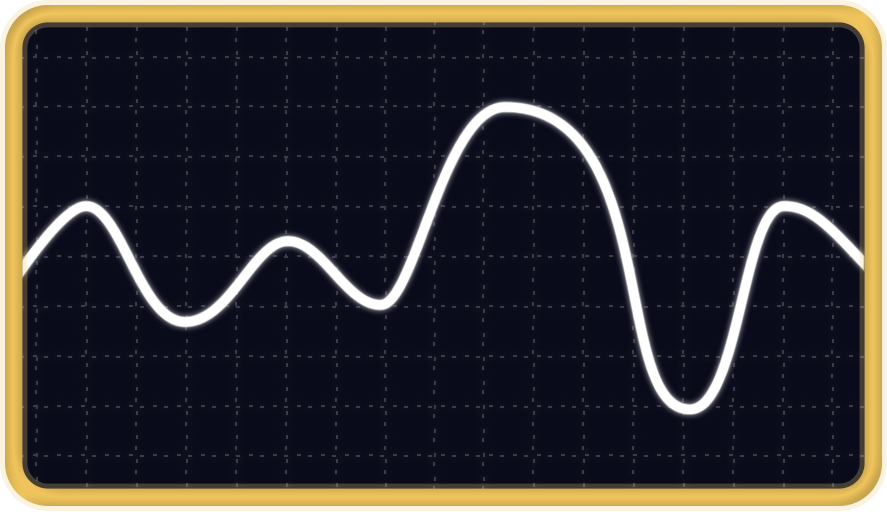
MVMNT (also known as SyncLFO) is a smooth random CV and LFO generator based on Hagiwo’s Bezier Curve design. It breathes life into your patches with organic, evolving modulation.
Hardware: Arduino Nano · Dual-Panel Design · Track & Hold · Inverted & Bipolar Outputs
MVMNT (Bezier Curve Smooth Random)#
Features
- Smooth random control voltage using Bezier curves
- Precise control over shape and rate of modulation
- Adjustable intensity for fine-tuning randomness
- Track & Hold via TRIG input
- Inverted and Bipolar outputs
- Dynamic, unpredictable modulation
Perfect for: Organic modulation, smooth random sequences, evolving patches
Controls:
- DEV (Deviation): Adjusts the range/intensity of randomness
- LEVEL: Controls the output voltage level
- CURVE: Shapes the Bezier curve character
- FREQ: Sets the rate of modulation
- TRIG Input: Track & Hold - freezes current voltage
SyncLFO#
Features
- Classic LFO with multiple waveforms
- Sync-able to external clock
- Variable rate and depth control
- Multiple output options
- Tempo-sync'd modulation
Perfect for: Tempo-sync’d modulation, classic LFO shapes, rhythmic modulation
Controls:
- RATE: LFO speed
- DEPTH: Modulation amount
- SYNC Input: External clock for tempo sync
- Multiple Outputs: Different waveforms and polarities

Hardware Requirements#
- Arduino Nano or Arduino Nano (Old Bootloader)
- Dual-Panel Design by bkrsmdesign
- Front: MVMNT Bezier Curve Random CV
- Back: SYNC MOD LFO
- CV Outputs: Normal, Inverted, and Bipolar
- Control Inputs: TRIG for Track & Hold
Installation Instructions#
1. Connect Your Module#
- Connect your Arduino Nano to your computer via USB
- Ensure the module is powered
2. Select Firmware#
- Choose the firmware that matches your needs above
- Click the appropriate button (Nano or Old Bootloader)
3. Flash Firmware#
- Your browser will prompt you to select the serial port
- Select the port corresponding to your Arduino
- Wait for the upload to complete (typically 10-30 seconds)
4. Verify#
- The module should boot up with the new firmware
- Test the CV outputs to confirm proper operation
About MVMNT#
MVMNT is inspired by the CV section of Mutable Instruments Marbles and based on Hagiwo’s design. It features:
- Beginner-Friendly: Straightforward assembly with few parts
- Dual-Use Design: Flip panel offers two modules in one
- Smooth Random CV: Dynamic, organic modulation
- Track & Hold: Capture and hold CV values via TRIG input
The name “MVMNT” (Movement) reflects the organic, breathing quality of the Bezier curve modulation.
Troubleshooting#
Upload fails:
- Ensure you’re using Chrome, Edge, or Opera (Web Serial API required)
- Try unplugging and reconnecting the USB cable
- Check that no other software (Arduino IDE, serial monitor) is using the port
Module doesn’t respond:
- Check power connections
- Verify correct board selection (Nano vs Old Bootloader)
- Try the opposite bootloader version
No CV output:
- Check your power supply
- Verify the firmware uploaded successfully
- Test with a different output (Normal, Inverted, or Bipolar)
Resources#
- GitHub Repository - Source code
- Modulove Website - Hardware information
- Original Hagiwo Design - Hagiwo’s original project
- Report Issues - Bug reports and feature requests
Based on Hagiwo’s design · Enhanced by the Modulove community